Custom Fields — Unified Extra Data (Reads)
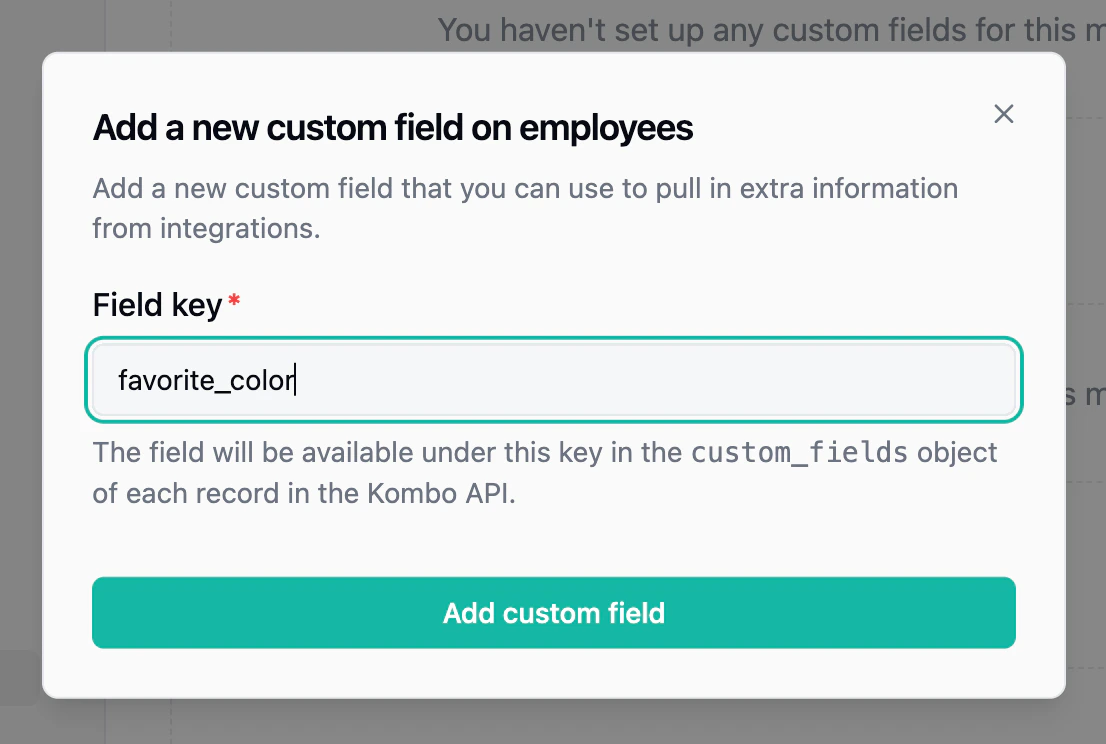
The most common option. Custom fields let you define your own field keys (e.g.,t_shirt_size) and map them to the corresponding field in each connected integration. Values are returned as part of the unified API response in a custom_fields object, so your code stays integration-agnostic.
Custom fields can be mapped via the dashboard, through aliases for automatic matching, or through the self-serve setup flow where your end customers map them during onboarding. Use the Custom Field Explorer to discover available fields from the remote tool in real-time without waiting for a sync.
Integration Fields — Raw Provider Data (Reads)
Integration fields give you access to any field from the underlying system’s API response, without creating a unified mapping. You select which fields to include via the API, and they are returned on each record in anintegration_fields array with the original key, label, and value.
This is useful when you need a specific provider field for a single integration and don’t need it unified across all tools. It’s also a good fit when you want to let your customers import arbitrary fields, or when you want to explore how certain fields come back from a provider — instead of creating many custom fields upfront, you can simply select a set of integration fields to pass through.
Remote Fields — Extra Data on Writes
When a write action (e.g., creating a candidate) requires tool-specific data that isn’t part of the unified request body, remote fields let you pass it alongside the unified payload. Each tool has its ownremote_fields schema documented on the relevant write endpoint.
Field Remapping — Override Default Mappings
Remapping lets you override how Kombo maps specific unified fields. For example, you can change which source field populatesjob_title for a particular integration, or remap enum values. This is useful when an integration’s default mapping doesn’t match how your customer has configured their system.
Passthrough API — Full Native API Access
For use cases that go beyond field-level customization, the Passthrough API lets you call the underlying tool’s native API directly, with Kombo handling authentication. This gives you access to any endpoint the tool offers — reading resources Kombo doesn’t model, calling custom actions, or accessing tool-specific configuration.Choosing the Right Approach
| Scenario | Recommended |
|---|---|
| Read a field consistently across integrations | Custom fields |
| Read a provider-specific field for one integration | Integration fields |
| Send extra data on a write action | Remote fields |
| Override how a unified field is mapped | Remapping |
| Access an entirely different API endpoint | Passthrough API |