Learn how to get started with Kombo’s unified ATS Assessment & Background Check API.
As an assessment or background check provider, you want to reduce the friction for your customers to order assessments or background checks for their candidates.By building on top of Kombo’s Unified ATS Assessment & Background Check API, you can allow your customers to seamlessly start assessments or background checks right from their Applicant Tracking System (ATS).Here’s how it works:
Submit your available packages via the Set packages endpoint to Kombo. We’ll take care of displaying them in your customers’ ATSs. Your customers can then choose the packages and create assessment or background check orders from their ATSs.
When your customer triggers a new assessment or background check order in the ATS, Kombo sends you an assessment:order-receivedwebhook event, so you can automatically send out an email to the candidate and get the assessment or the background check process started on your side.
Once the candidate has completed their assessment or the background check status has been updated, you can write back the results to the ATSs with the Update order result endpoint via Kombo. Your customers will be able to view the results directly within their ATSs.
Continue reading to learn more about what these steps look like in practice.
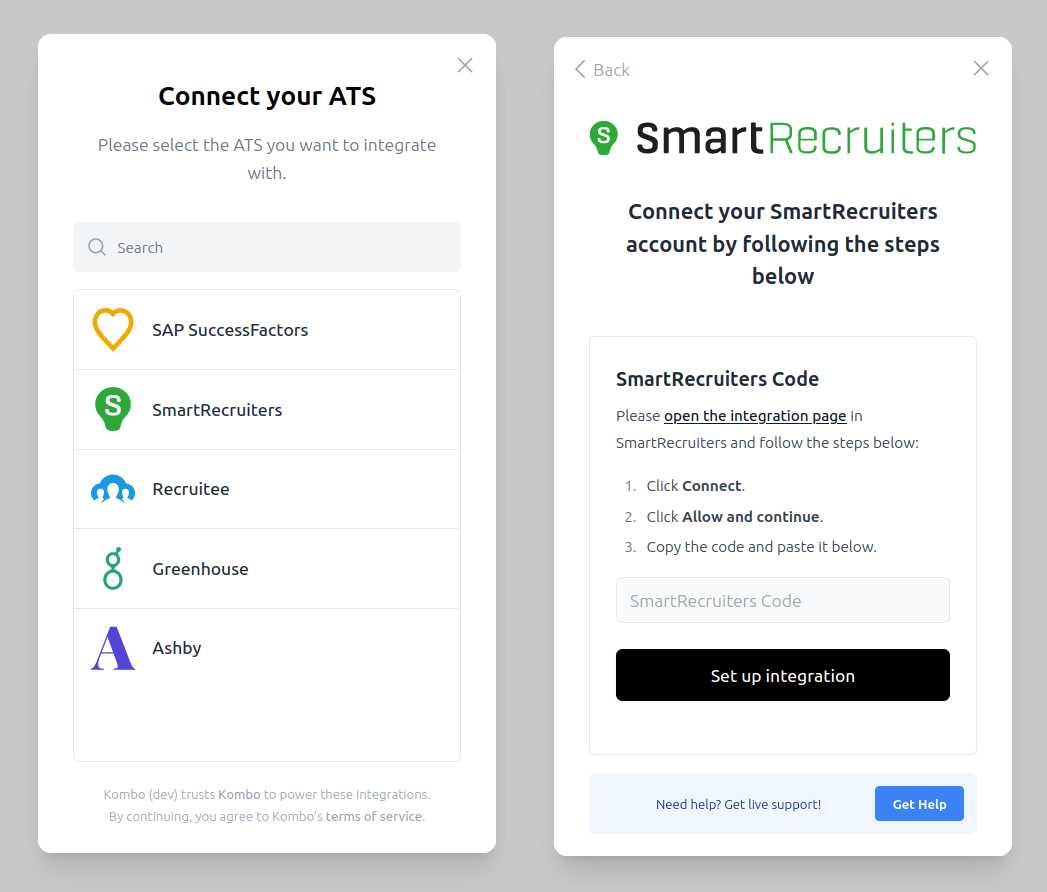
Check out how to use Kombo’s Sandbox
Integration to speed up
your implementation.
1
Configure Available Packages
Submit all your available assessment and/or background check packages for the customer once they have connected via Kombo. Kombo automatically configures the ATS to surface the packages to your customer.
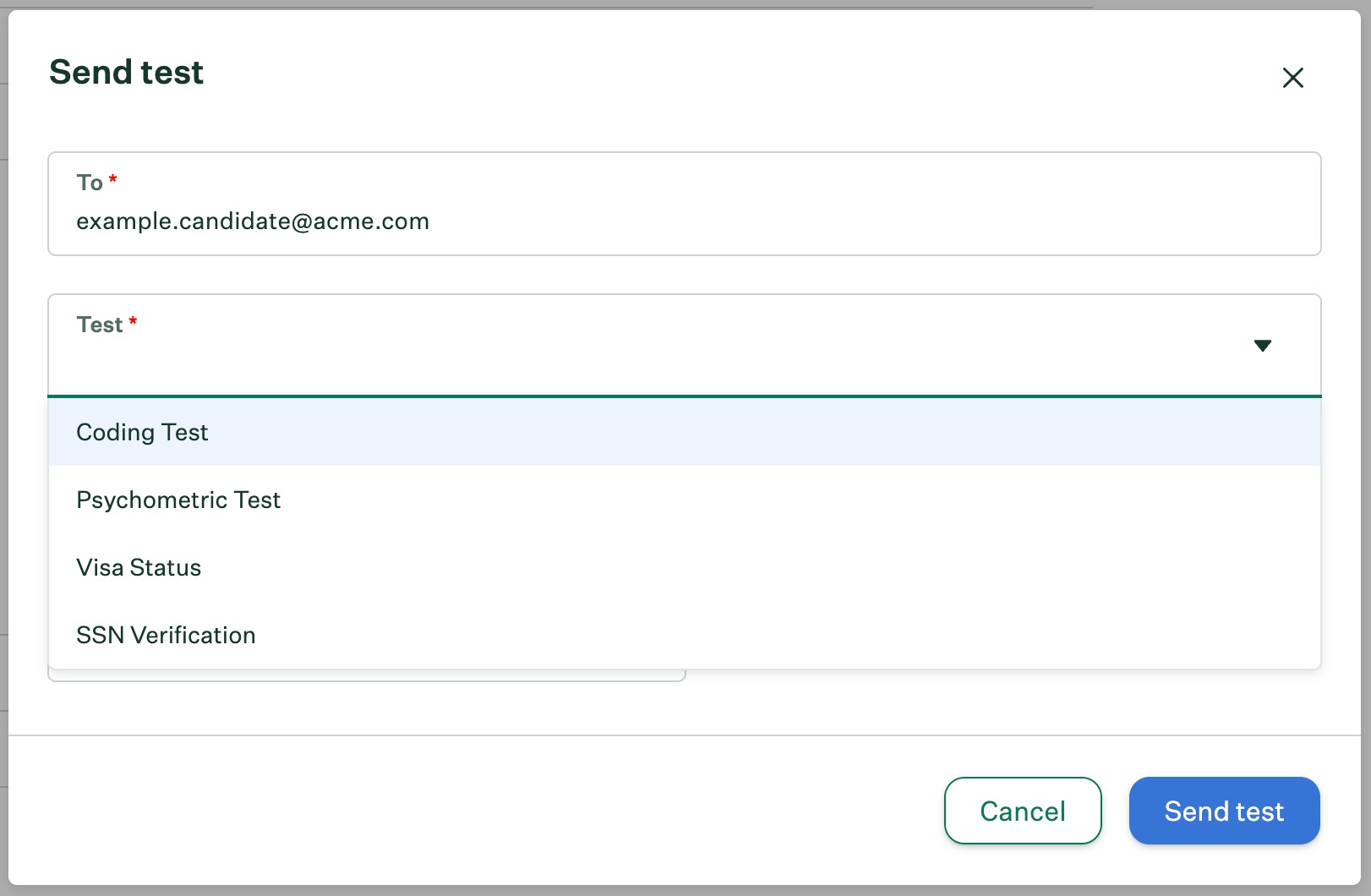
Your customer will then be able to view your submitted packages in their ATS:
What the UI for triggering a new assessment looks like in Greenhouse.
2
Reacting to New Assessment or Background Check Orders
For Inline Assessment, please refer to this guide for reacting to new inline assessment orders.
When your customer triggers an assessment or background check for a specific candidate from their ATS, Kombo will then notify you that a new assessment or background check order has been created via the assessment:order-receivedwebhook event.
For assessments, you should then send out an email to the candidate to take the test on your platform. The candidate will then complete your assessment.
For background checks, you could send out an email to the candidate to fill in additional information required by the background check that is not stored on the ATS.
assessment:order-received
{ "id": "Cbfk5sHtDxrSrJBRjsDtbaN9", "type": "assessment:order-received", "data": { "id": "B5KQKhAgTv6ZwzrfAbqbhipd", "integration_id": "workday:CBNMt7dSNCzBdnRTx87dev4E", "package_id": "typescript_test", "status": "OPEN", "candidate": { "remote_id": "12345", "email": "john.doe@gmail.com", "first_name": "John", "last_name": "Doe", "phone": "+1 123 456 7890" }, "application": { "remote_id": "54321" }, "job": { "remote_id": "67890", "name": "Bottle Opener", "job_code": "BO-2024-01", "description": "<p>We are looking for a skilled and energetic individual to join our team as the chief bottle open officer. This unique role requires precision, attention to detail, and the ability to handle a high volume of beverage bottles in a fast-paced environment. The ideal candidate will ensure bottles are opened swiftly and safely while maintaining hygiene standards.</p>", "location": { "street_1": "Lohmühlenstraße 65", "city": "Berlin", "state": "Berlin", "zip_code": "12435", "country": "DE", "raw": "Berlin, Germany" }, "hiring_team": [ { "first_name": "Jane", "last_name": "Doe", "remote_id": "78901", "email": "jane.doe@gmail.com", "hiring_team_roles": ["RECRUITER"] } ] } }}
Please refer to this guide on how to validate Kombo’s webhooks.
You can reject your customer’s order of a package by responding with a 422 status code and body in the following shape:
HTTP/1.1 422 Unprocessable ContentDate: Fri, 28 Jun 2024 12:00:00 GMTContent-Type: application/json; charset=utf-8Content-Length: 187{ "status": "ORDER_REJECTED", "message": "There is an existing order for this candidate..."}
We will propagate the error message from the message field back to the ATS’s UI if it is supported by their API, so that your customers can understand what’s going on.
The response to the assessment:order-received webhook’s body needs to match the shape described in the example to make us reject the assessment order!Other errors will not cause us to reject the assessment. We will still accept it and make it available via the Get open orders endpoint so that you can retry at a later point.
3
Write Back Results
Once the candidate has completed your assessment or the background check has been updated for the candidate, you can update the results of the assessment or the background check via Kombo:
Kombo will write the assessment or background check results back into your customer’s ATS system.
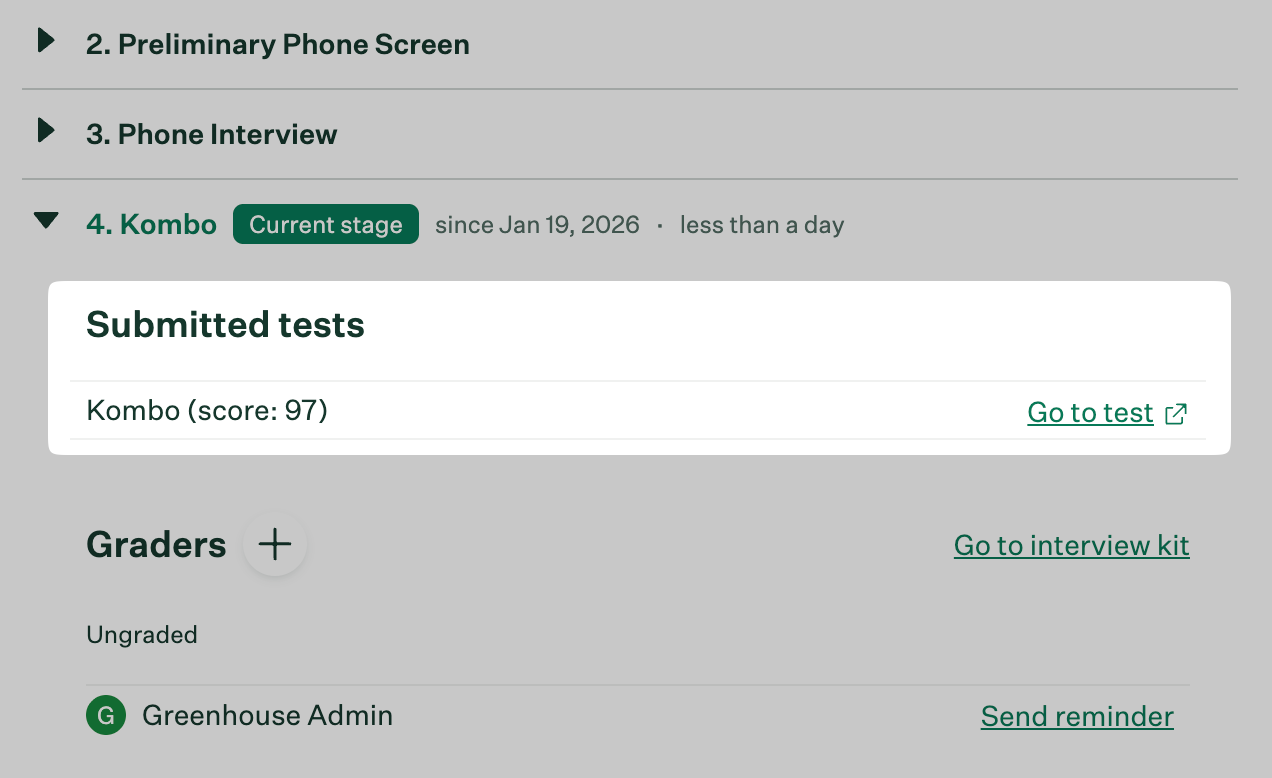
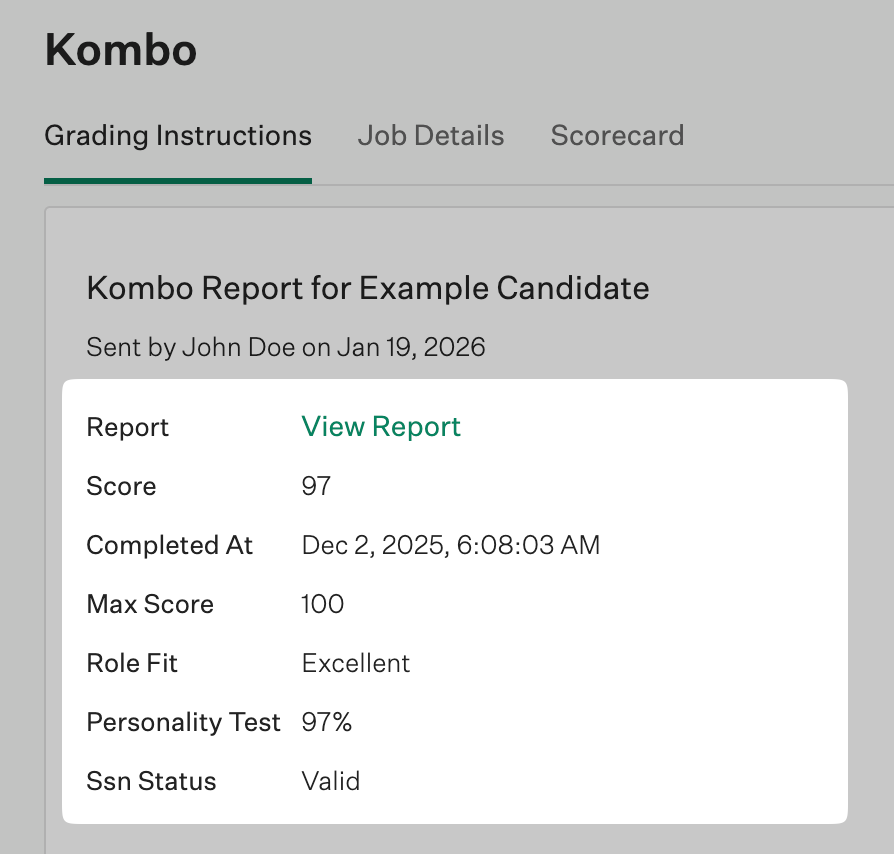
Your customer can then view the results directly in their ATS.
What an overview of a candidate's result looks like within Greenhouse.
What a detailed result looks like within Greenhouse.
Was this page helpful?
Assistant
Responses are generated using AI and may contain mistakes.