

Integrations
Your dashboard contains a list of all your integrations. At a glance, we provide an overview of each integration’s individual state and any open issues, so you can see if everything is running smoothly. You can also click on an integration for additional configuration, such as filtering which employees are synced in the case of HRIS systems.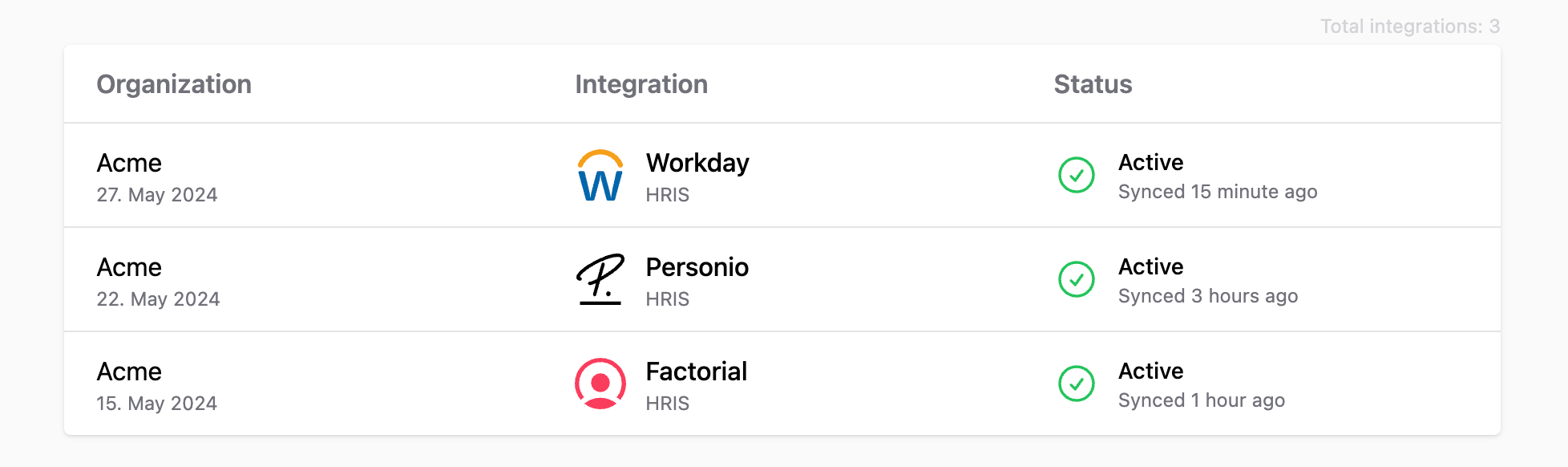
Managing integrations
From the integrations list you can click into any integration to configure it (e.g. employee filtering for HRIS) or delete it. You can also switch between your Production and Development environments using the sidebar toggle. Configuration that applies across integrations — such as scopes, webhooks, and custom fields — is available under the Configuration section in the sidebar.Tool Coverage
The tool coverage grid makes it easy for you to see which functionality is covered by which tool; not every tool will expose the same feature set, so seeing the coverage enables you to easily see if integrating a tool is feasible with your product’s need.Logs
Request logs help you be compliant with the data that Kombo processes; you can see every request that Kombo is making. It also lets you understand which endpoints are causing problems (like403 errors on missing permissions) and debug them yourself.